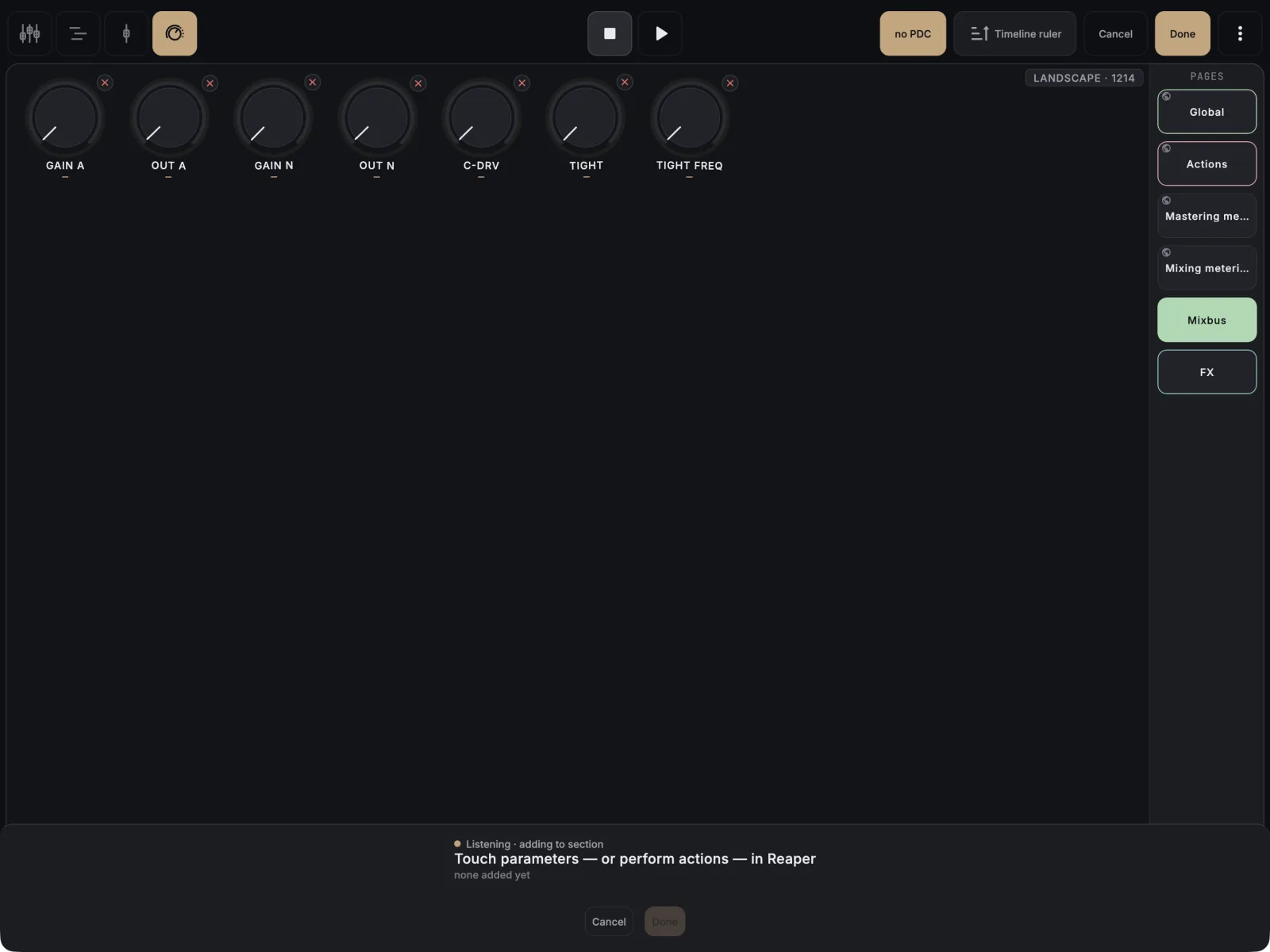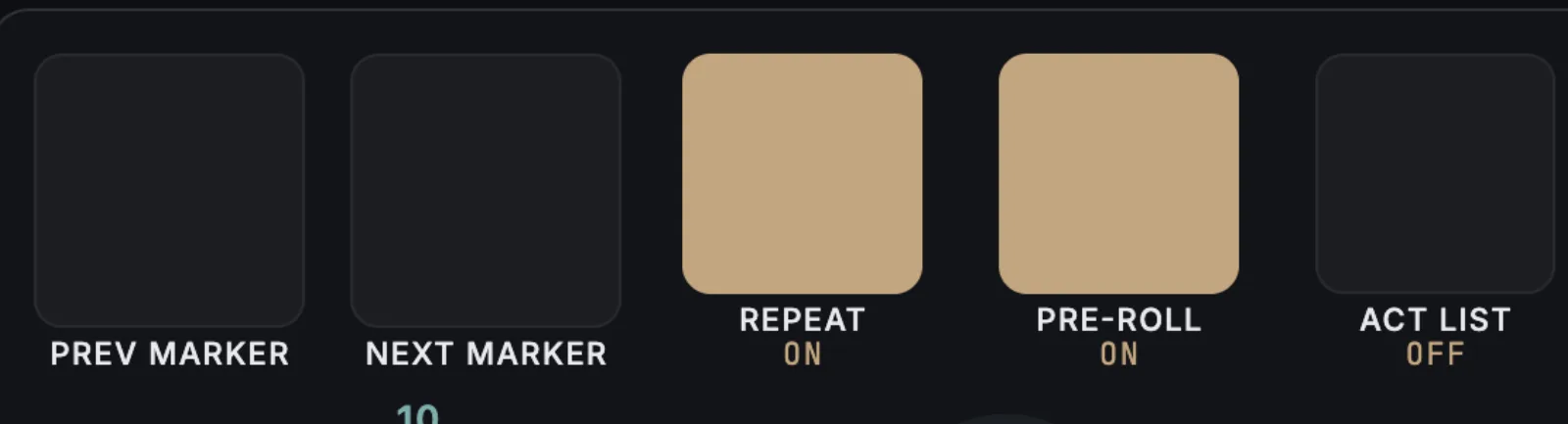
You never type an action ID. Start listening in MixSurface, then run the action in REAPER, and it becomes a button. This works for native actions, SWS actions, custom actions and ReaScripts. A toolbar button is free; a button on a Control View page needs the unlock.
On a toolbar (free)
- Tap ⋮ (More) in the top bar and choose Customize toolbar….
- Under Add, tap REAPER action…. The sheet says Run the action in REAPER now.
- Run the action in REAPER: from the Actions list, a shortcut or a toolbar. It is added to the bar.
- Tap the new item to give it a Short label, or turn on Keep in bar so it is the last thing to fold into More.
On a Control View page (unlock)
- In Control View, tap Edit in the top bar.
- Tap an empty spot on the page and choose From listen.
- Run one or more actions in REAPER. Each one lands as a button.
- Tap Done.
To make a button latch on and off, open its settings and set Button mode to Toggle.
If it doesn’t work
- Nothing is added. Main and MIDI Editor actions can be bound. For an action from another section, wrap it in a ReaScript in the Main section and run that.
- A MIDI action does nothing. Open a MIDI editor in REAPER first; MIDI Editor actions need one.
- “That action isn’t set up on this computer”. Custom actions and scripts have IDs that belong to one REAPER install. The app offers to re-bind, but action buttons can’t be re-bound: delete the button and learn the action again on this computer.
- The action is already there. MixSurface tells you which button already holds it instead of adding a second one.