
Softube Bus Processor 670
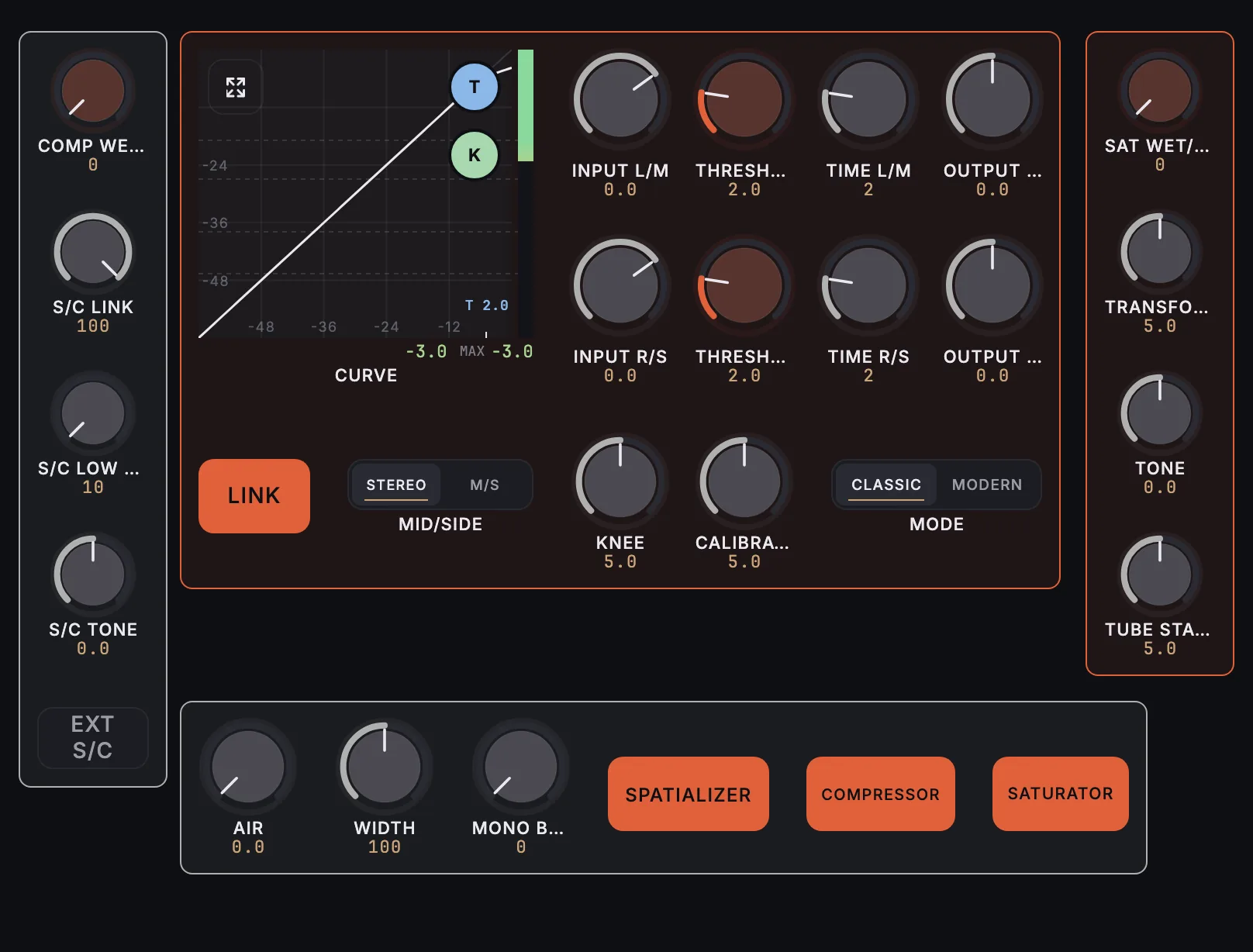
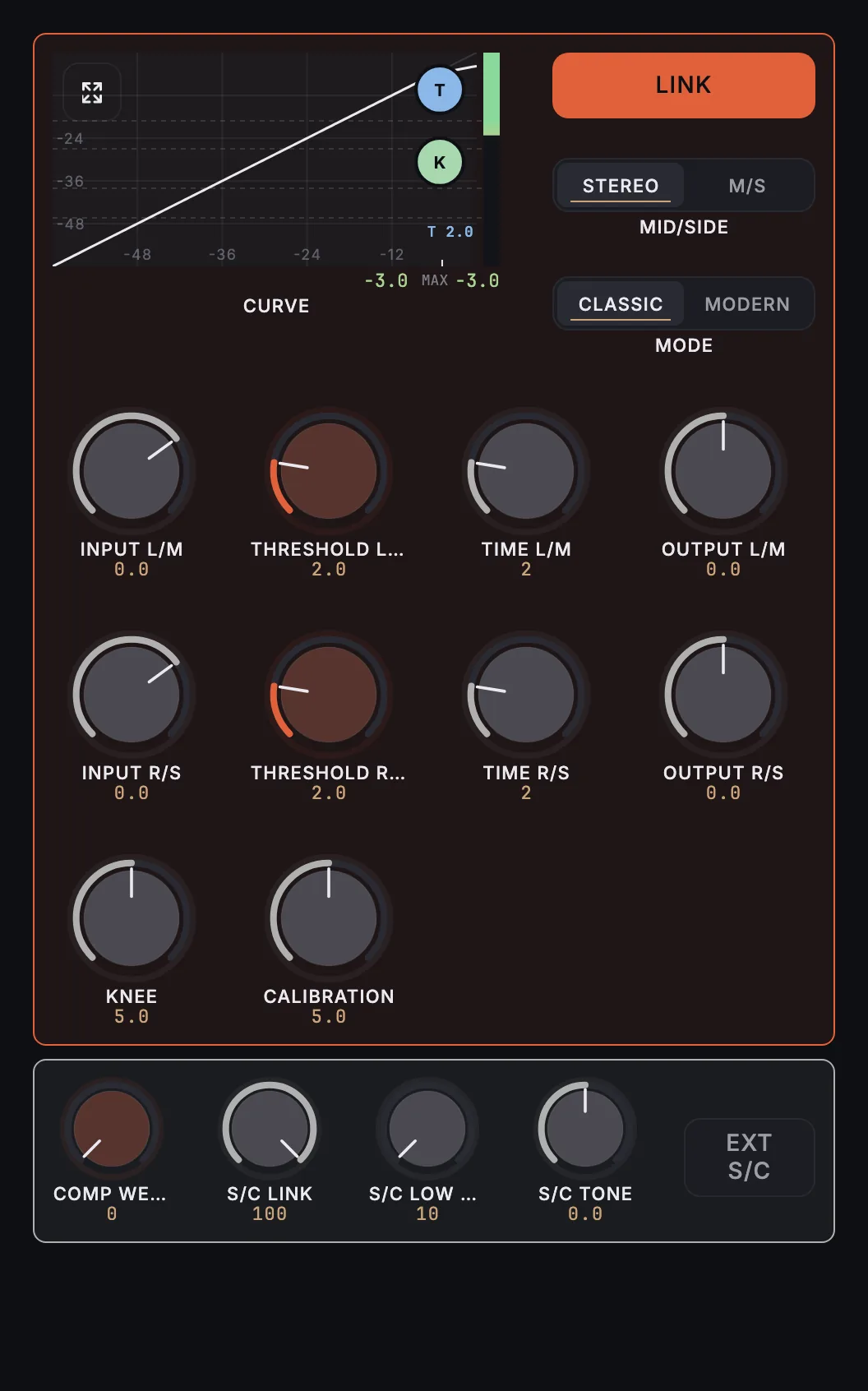
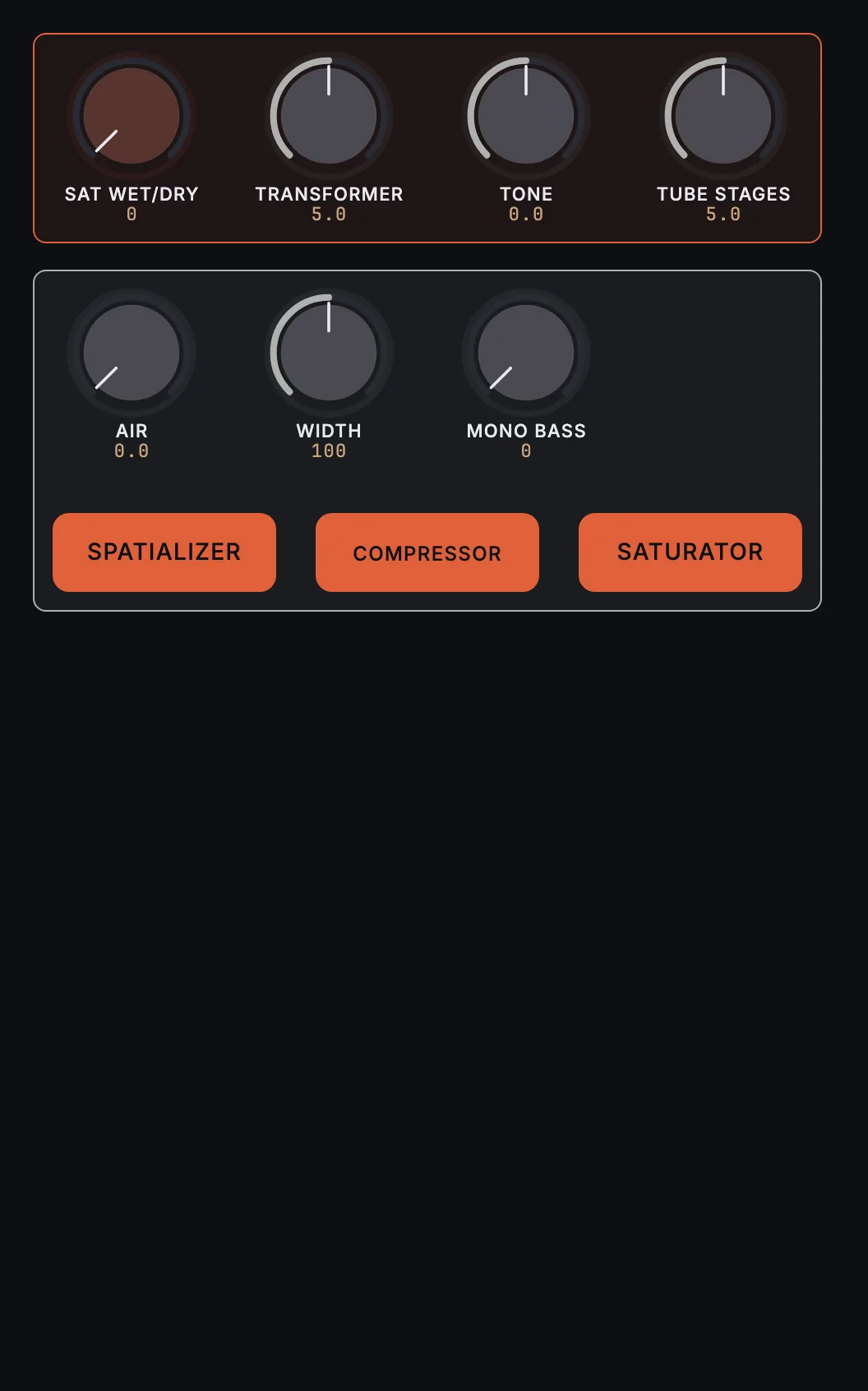
MixSurface opens Softube Bus Processor 670 on iPad, iPhone and Android with a ready-made layout and a live compressor curve with gain reduction, controlled from REAPER.
What is on it
21 knobs, 5 buttons, 2 switches, compressor curve.
- Comp. Wet/Dry
- S/C Link
- S/C Low Cut
- S/C Tone
- Ext S/C
- L Input Gain
- L Threshold
- L Time
- L Output Gain
- R Input Gain
- R Threshold
- R Time
- R Output Gain
- Link Channels
- Mid/Side Mode
- Knee
- Calibration
- Comp Mode
- Sat. Wet/Dry
- Transformer
- Sat. Tone
- Tube
- Air
- Width
- Mono Bass
- Spatializer
- Compressor
- Saturator
Compressor curve
A live transfer curve of the compressor, with its gain reduction as audio plays. The transfer curve is measured from the plugin.
How it works
- Install the free MixSurface extension in REAPER and connect your device (setup).
- Add Softube Bus Processor 670 to a track in REAPER.
- Open the track's FX in Channel Detail: the view appears on its own.
What it needs
Plugin layouts, EQ curves and dynamics curves need the one-time MixSurface unlock. The Mixer and the rest of the free app work without it. See the price.
Questions
Can I control Softube Bus Processor 670 from an iPad in REAPER?
Yes. MixSurface opens Softube Bus Processor 670 on iPad, iPhone and Android with a ready-made layout and a live compressor curve with gain reduction, controlled from REAPER.
Does it show gain reduction?
Yes. The compressor curve shows Softube Bus Processor 670's gain reduction live while audio plays.
Is it free?
Plugin layouts, EQ curves and dynamics curves need the one-time MixSurface unlock. The Mixer and the rest of the free app work without it.
Related
More from Softube
- Softube American Class A
- Softube Bad Speaker
- Softube British Class A
- Softube British Class A Compressor
- Softube British Class A Drive
- Softube British Class A Equalizer
Similar plugins
Build your own layout
Want a different arrangement? Change this one or build your own layout for any plugin. Not the plugin you were after? Browse the library or request another plugin.