
LiquidSonics Cinematic Rooms Professional
MixSurface opens LiquidSonics Cinematic Rooms Professional on iPad, iPhone and Android with a ready-made layout, controlled from REAPER.
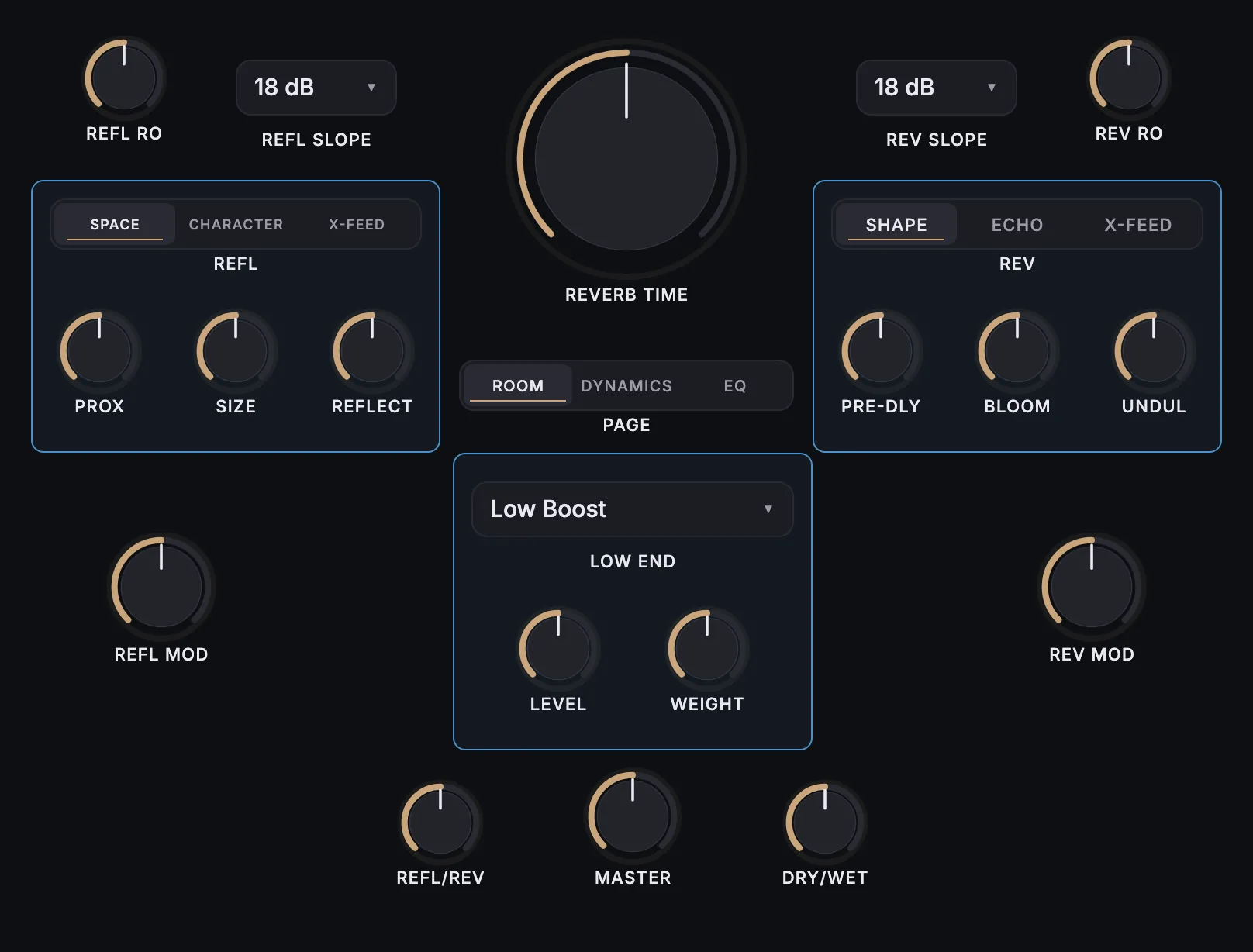
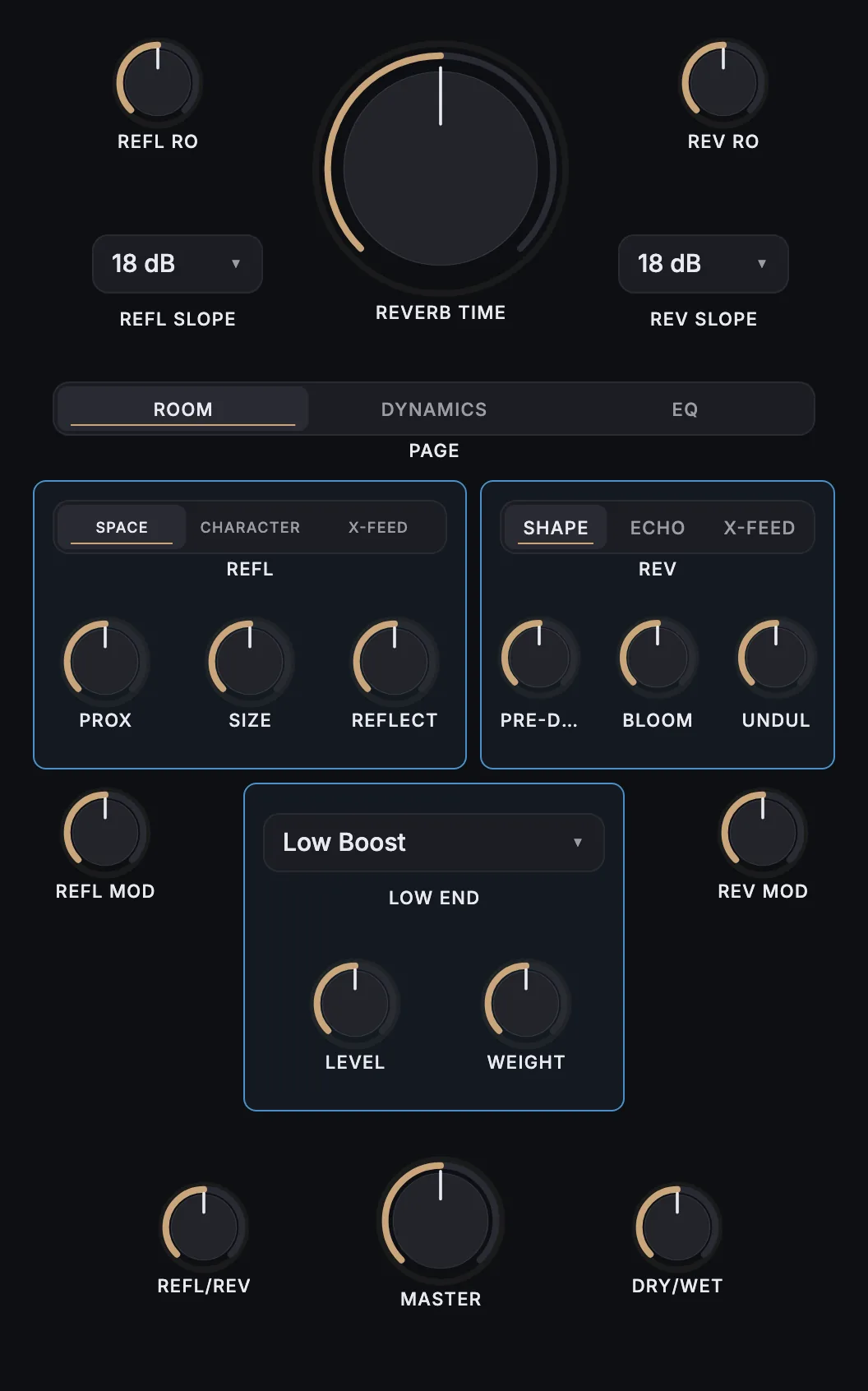
What is on it
55 knobs, 5 buttons, 5 menus.
- Reverb Time
- Refl. Roll-off Freq
- Refl. Roll-off Slope
- Reverb Roll-off Slope
- Reverb Rolloff Freq
- Refl. / Reverb Mix
- Master Level
- Dry / Wet Mix
- Refl. Mod Depth
- Reverb Mod Depth
- Refl. Proximity
- Refl. Size
- Refl. Reflectivity
- Refl. Pattern
- Refl. Diffusion
- Refl. Width
- Refl. XFeed Level
- Refl. XFeed Delay
- Refl. XFeed Rolloff
- Reverb Pre-delay
- Reverb Bloom
- Reverb Undulation Depth
- Reverb Echo Time
- Reverb Echo Level
- Reverb Echo Rolloff
- Reverb XFeed Level
- Reverb XFeed Delay
- Reverb XFeed Rolloff
- Reverb Low Boost
- Low Boost Weight
- Reverb Bass Mult Time
- Reverb Bass Mult Freq
- Contour Scaling
- Reverb Treb Mult Time
- Reverb Treb Mult Freq
- Dynamics Master Enable
- Dynamics Compression Sub-Enable
- Dynamics Compression Mode
- Cmp. Threshold
- Cmp. Ratio
- Cmp. Knee Width
- Cmp. Attack
- Cmp. Release
- Cmp. Gain Trim
- Dynamics Gate Sub-Enable
- Dynamics Gate Mode
- Gate Threshold
- Gate Hysteresis
- Gate Reduction
- Gate Hold Time
- Gate Close Time
- Gate Recovery Time
- Post EQ Enable
- Post EQ Low Cut
- Post EQ Roll-off Freq
- Post EQ Roll-off Slope
- Post EQ Low Shelf Freq
- Post EQ Low Shelf Gain
- Post EQ Low Shelf Q
- Post EQ Mid Band Freq
- Post EQ Mid Band Gain
- Post EQ Mid Band Q
- Post EQ High Shelf Freq
- Post EQ High Shelf Gain
- Post EQ High Shelf Q
How it works
- Install the free MixSurface extension in REAPER and connect your device (setup).
- Add LiquidSonics Cinematic Rooms Professional to a track in REAPER.
- Open the track's FX in Channel Detail: the view appears on its own.
What it needs
Plugin layouts, EQ curves and dynamics curves need the one-time MixSurface unlock. The Mixer and the rest of the free app work without it. See the price.
Questions
Can I control LiquidSonics Cinematic Rooms Professional from an iPad in REAPER?
Yes. MixSurface opens LiquidSonics Cinematic Rooms Professional on iPad, iPhone and Android with a ready-made layout, controlled from REAPER.
Is it free?
Plugin layouts, EQ curves and dynamics curves need the one-time MixSurface unlock. The Mixer and the rest of the free app work without it.
Related
More from LiquidSonics
- LiquidSonics Illusion
- LiquidSonics Lustrous Plates Surround
- LiquidSonics Reverberate
- LiquidSonics Seventh Heaven Professional
Build your own layout
Want a different arrangement? Change this one or build your own layout for any plugin. Not the plugin you were after? Browse the library or request another plugin.