
Crave EQ 2
MixSurface opens Crave EQ 2 on iPad, iPhone and Android on its built-in multi-touch EQ with a live curve of its 32 bands, controlled from REAPER.
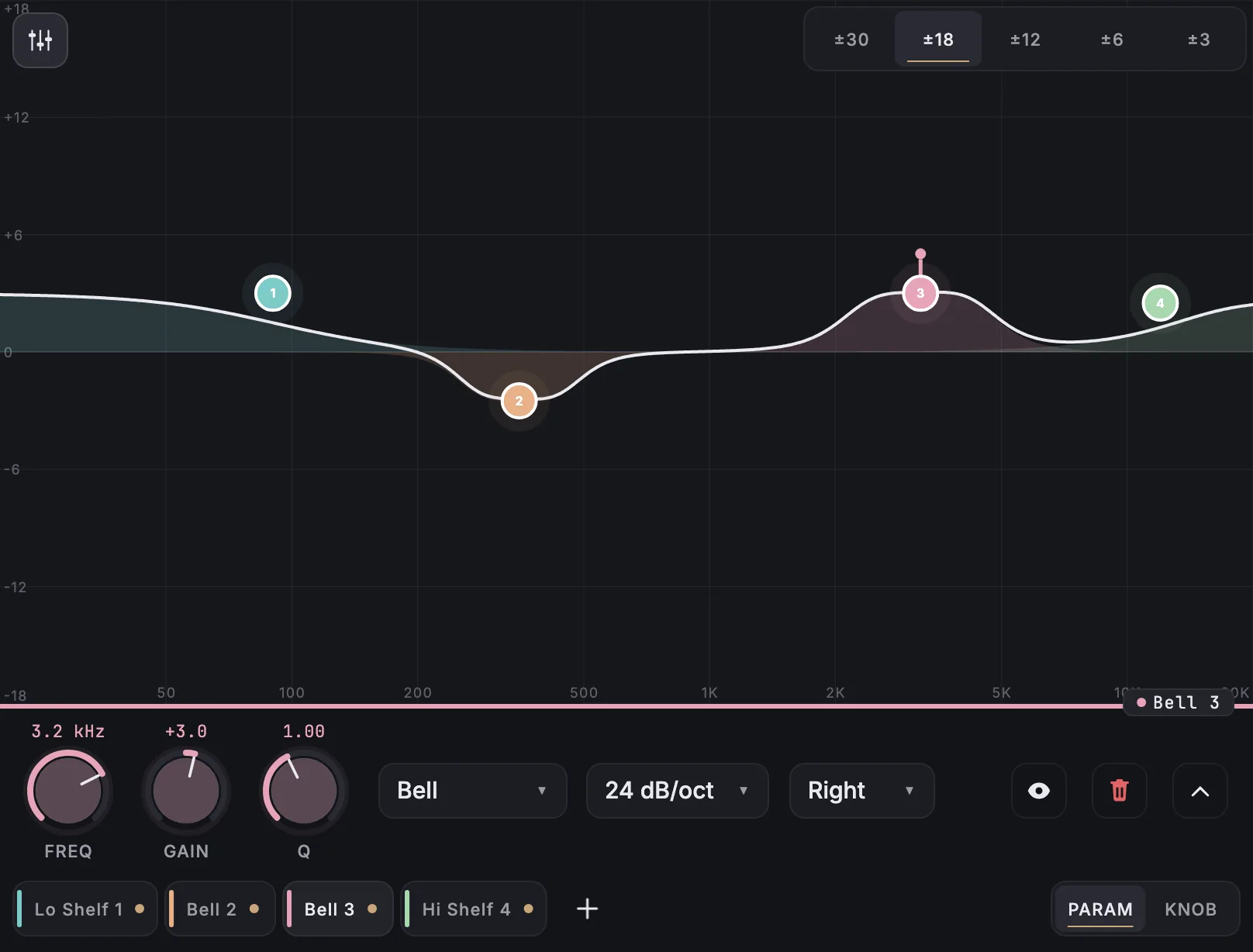
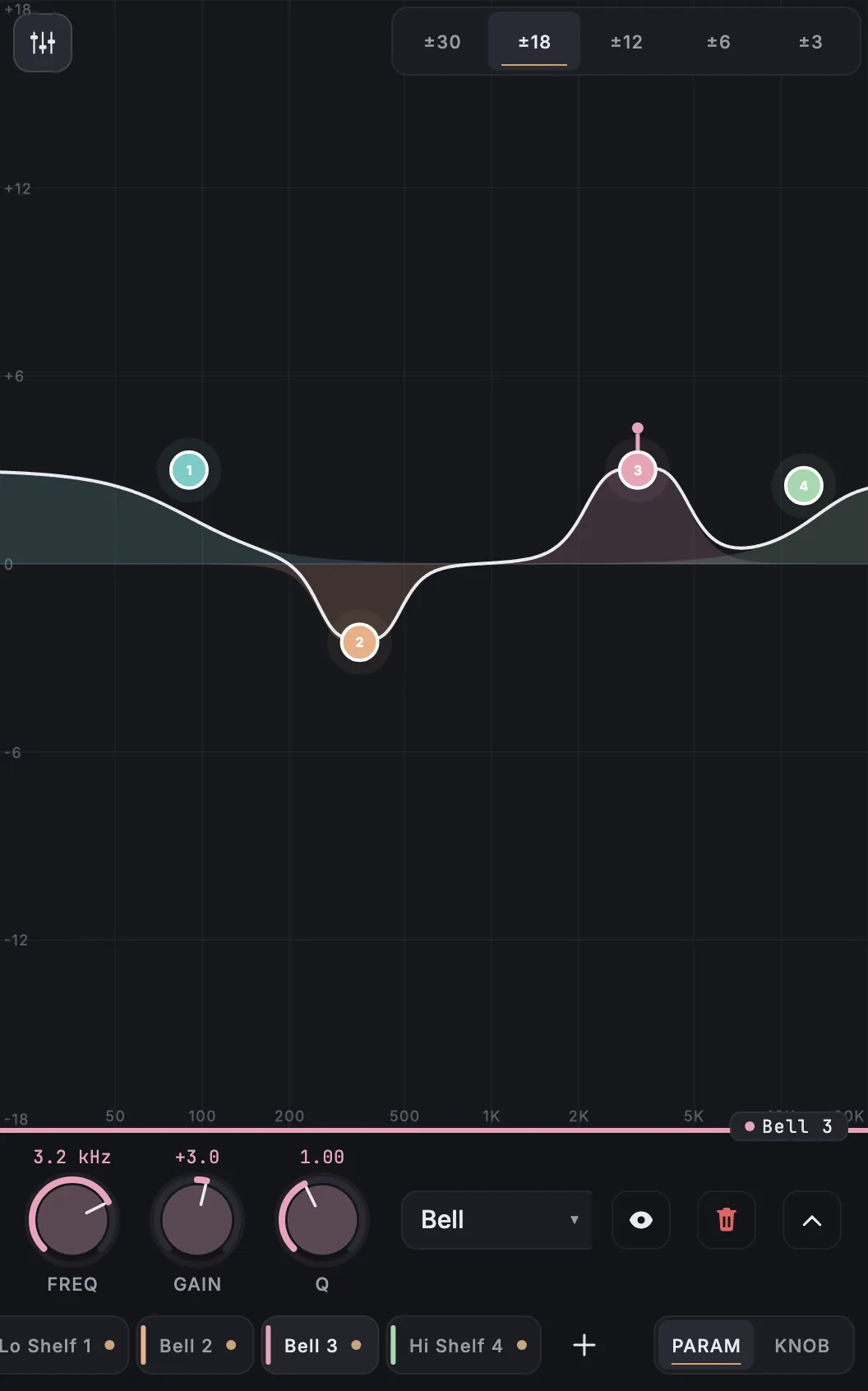
What is on it
The built-in multi-touch EQ: drag bands on the curve, pinch for width, and set each band from its control bar.
EQ curve
The curve draws 32 bands with these band types: bell, low shelf, high shelf, low pass, high pass, notch, band pass.
How it works
- Install the free MixSurface extension in REAPER and connect your device (setup).
- Add Crave EQ 2 to a track in REAPER.
- Open the track's FX in Channel Detail: the view appears on its own.
What it needs
Plugin layouts, EQ curves and dynamics curves need the one-time MixSurface unlock. The Mixer and the rest of the free app work without it. See the price.
Questions
Can I control Crave EQ 2 from an iPad in REAPER?
Yes. MixSurface opens Crave EQ 2 on iPad, iPhone and Android on its built-in multi-touch EQ with a live curve of its 32 bands, controlled from REAPER.
Is the EQ curve live?
Yes. The curve is drawn from Crave EQ 2's own settings as they change in REAPER, and you drag its 32 bands with your fingers.
Is it free?
Plugin layouts, EQ curves and dynamics curves need the one-time MixSurface unlock. The Mixer and the rest of the free app work without it.
Related
More from Crave DSP
Similar plugins
- Apple AUParametricEQ
- DMGAudio EQuilibrium
- Empirical Labs Big FrEQ
- FabFilter Pro-Q 2
- FabFilter Pro-Q 3
- FabFilter Pro-Q 4
Build your own layout
Want a different arrangement? Change this one or build your own layout for any plugin. Not the plugin you were after? Browse the library or request another plugin.