
Eventide MicroPitch
MixSurface opens Eventide MicroPitch on iPad, iPhone and Android with a ready-made layout, controlled from REAPER.
What is on it
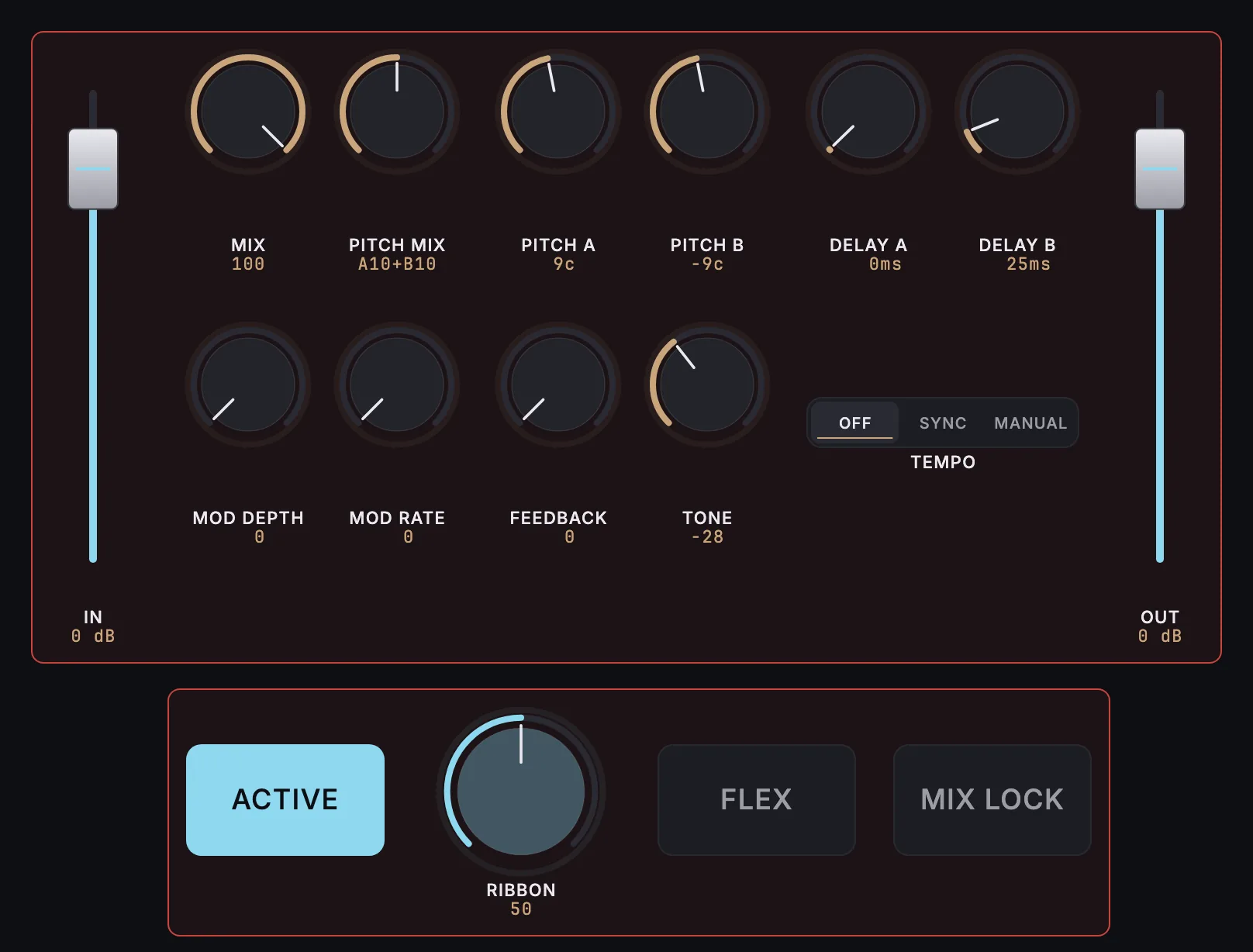
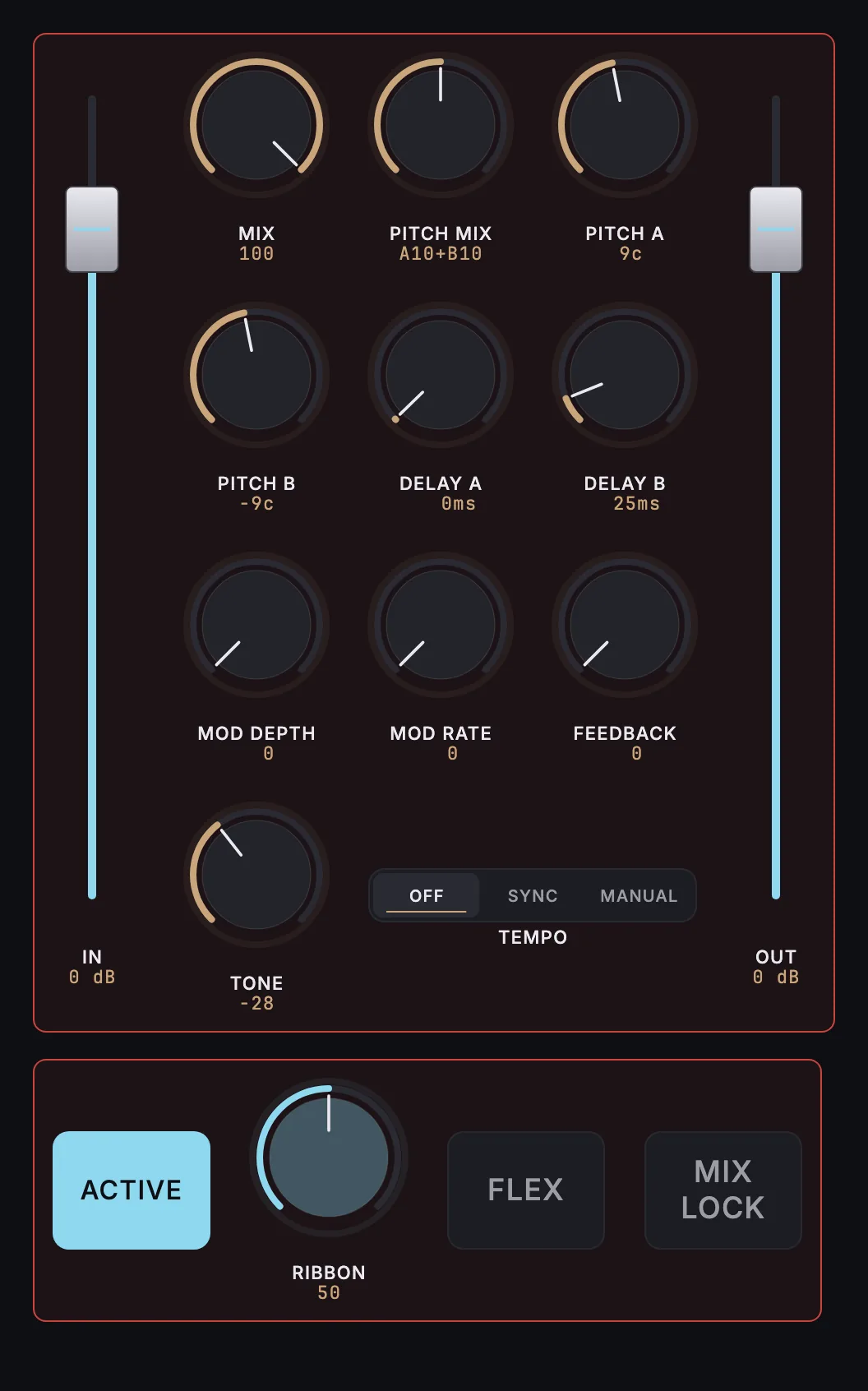
11 knobs, 2 faders, 3 buttons, 1 switch.
- INPUT LEVEL
- OUTPUT LEVEL
- MIX
- PITCH MIX
- PITCH A
- PITCH B
- DELAY A
- DELAY B
- MOD DEPTH
- MOD RATE
- FEEDBACK
- TONE
- TEMPO MODE
- ACTIVE
- RIBBON
- FLEX
- MIX LOCK
How it works
- Install the free MixSurface extension in REAPER and connect your device (setup).
- Add Eventide MicroPitch to a track in REAPER.
- Open the track's FX in Channel Detail: the view appears on its own.
What it needs
Plugin layouts, EQ curves and dynamics curves need the one-time MixSurface unlock. The Mixer and the rest of the free app work without it. See the price.
Questions
Can I control Eventide MicroPitch from an iPad in REAPER?
Yes. MixSurface opens Eventide MicroPitch on iPad, iPhone and Android with a ready-made layout, controlled from REAPER.
Is it free?
Plugin layouts, EQ curves and dynamics curves need the one-time MixSurface unlock. The Mixer and the rest of the free app work without it.
Related
More from Eventide
Build your own layout
Want a different arrangement? Change this one or build your own layout for any plugin. Not the plugin you were after? Browse the library or request another plugin.