
Cockos ReaSamplOmatic5000
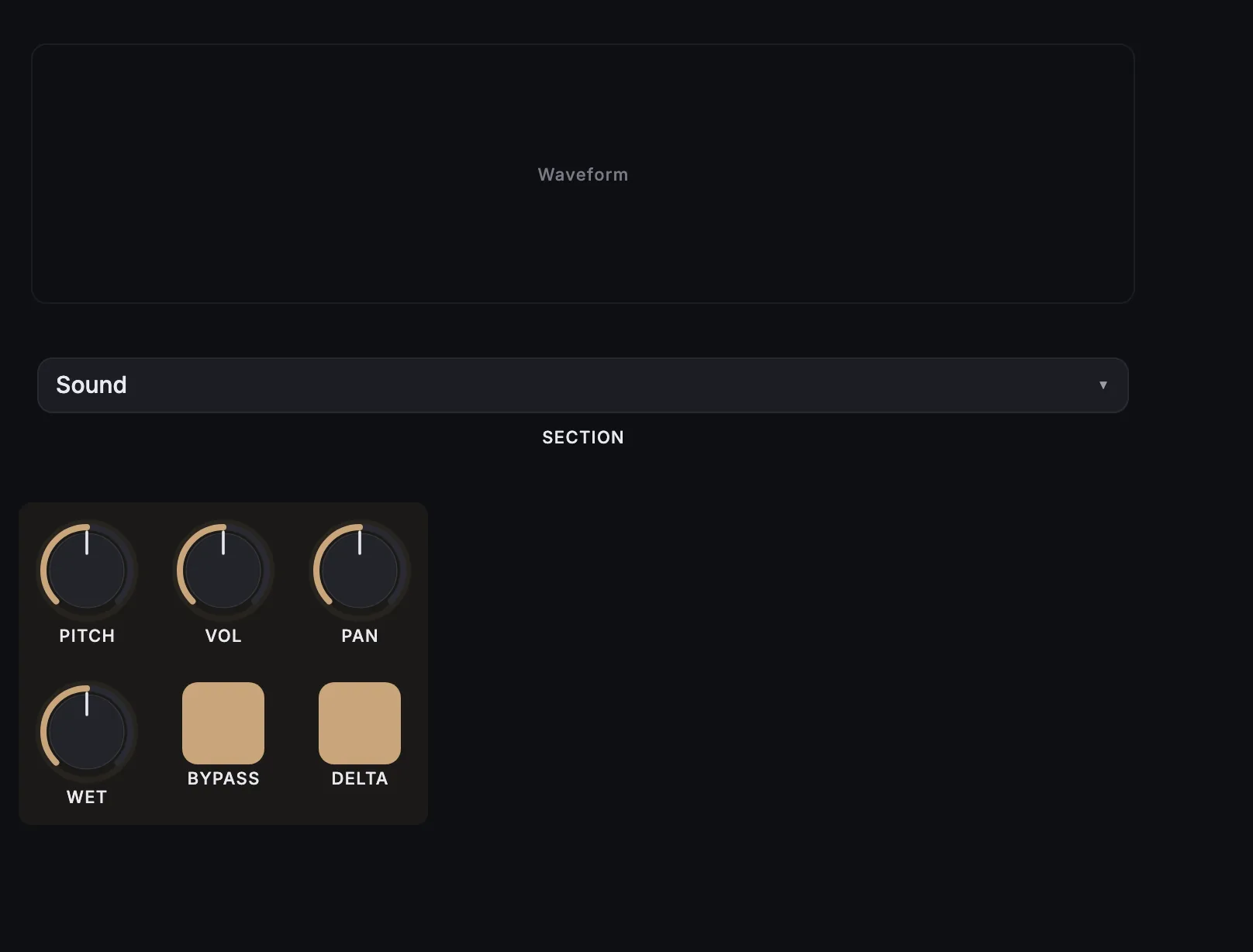
MixSurface opens Cockos ReaSamplOmatic5000 on iPad, iPhone and Android with a ready-made layout, controlled from REAPER.
What is on it
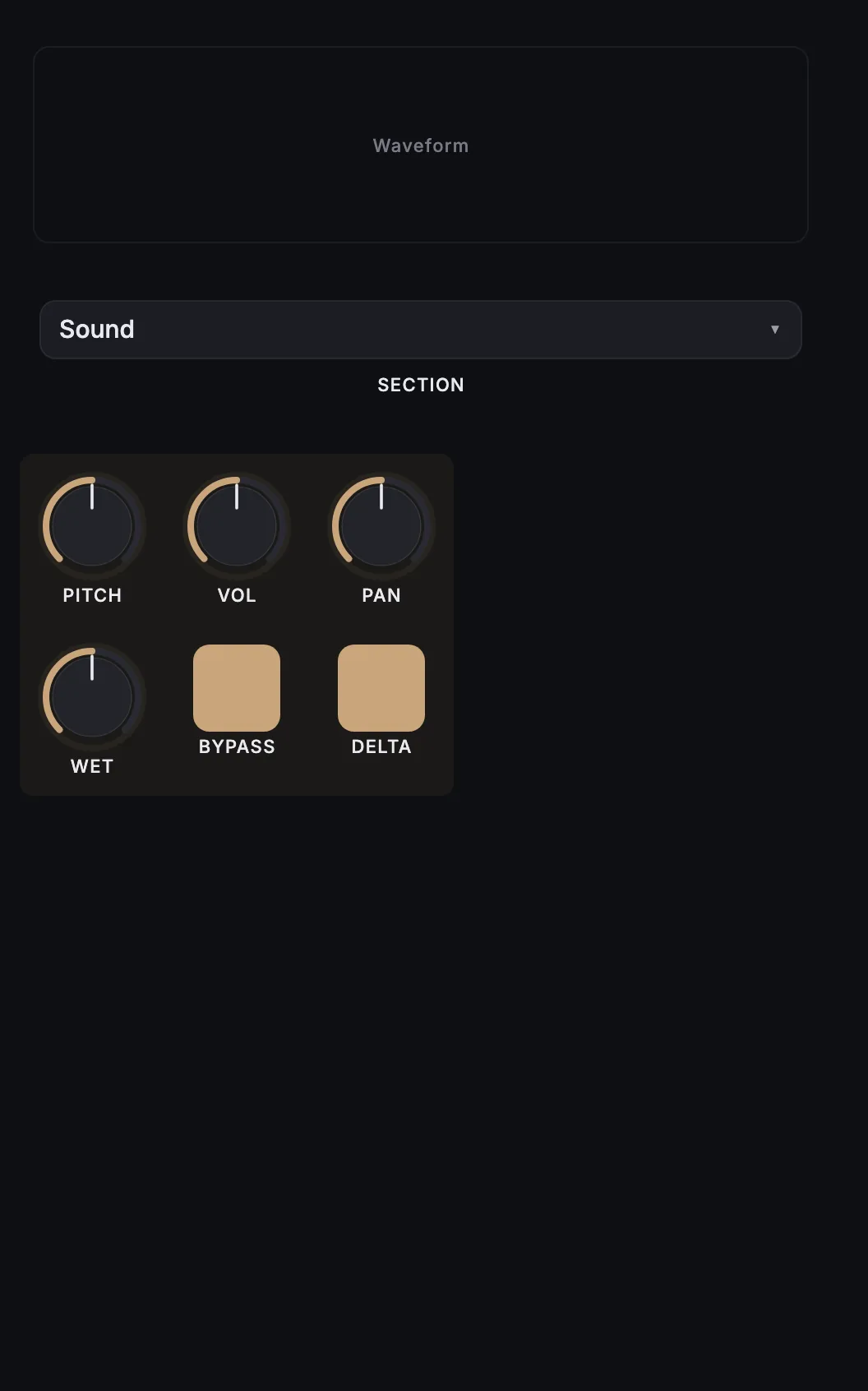
26 knobs, 7 buttons, sample waveform.
- Pitch adjust
- Volume
- Pan
- Wet
- Bypass
- Delta
- Attack
- Decay
- Sustain
- Release
- Release (note-off)
- Use note-off release override
- Pitchbend range
- Portamento
- Gain for minimum velocity
- Minimum velocity
- Maximum velocity
- Max voices
- Probability of hitting
- Round-robin mode
- Legacy voice re-use mode
- Sample start offset
- Sample end offset
- Loop start offset
- Crossfade loop length
- Obey note-offs
- Loop (requires note-offs)
- Note range start
- Note range end
- Pitch for start note
- Pitch for end note
- MIDI channel
- Filter played notes
How it works
- Install the free MixSurface extension in REAPER and connect your device (setup).
- Add Cockos ReaSamplOmatic5000 to a track in REAPER.
- Open the track's FX in Channel Detail: the view appears on its own.
What it needs
Plugin layouts, EQ curves and dynamics curves need the one-time MixSurface unlock. The Mixer and the rest of the free app work without it. See the price.
Questions
Can I control Cockos ReaSamplOmatic5000 from an iPad in REAPER?
Yes. MixSurface opens Cockos ReaSamplOmatic5000 on iPad, iPhone and Android with a ready-made layout, controlled from REAPER.
Is it free?
Plugin layouts, EQ curves and dynamics curves need the one-time MixSurface unlock. The Mixer and the rest of the free app work without it.
Related
More from Cockos
Build your own layout
Want a different arrangement? Change this one or build your own layout for any plugin. Not the plugin you were after? Browse the library or request another plugin.