
TC Electronic VSS4 HD
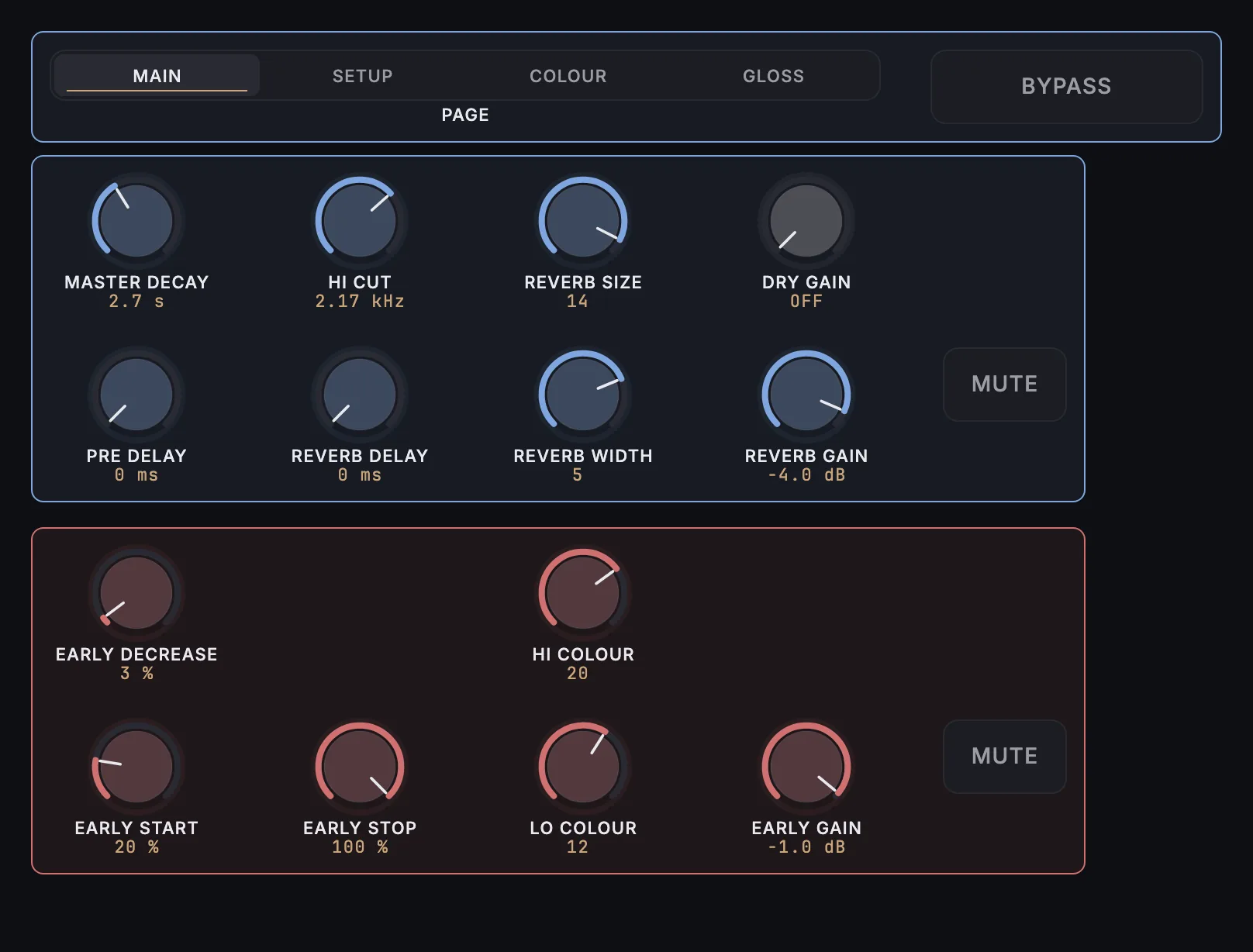
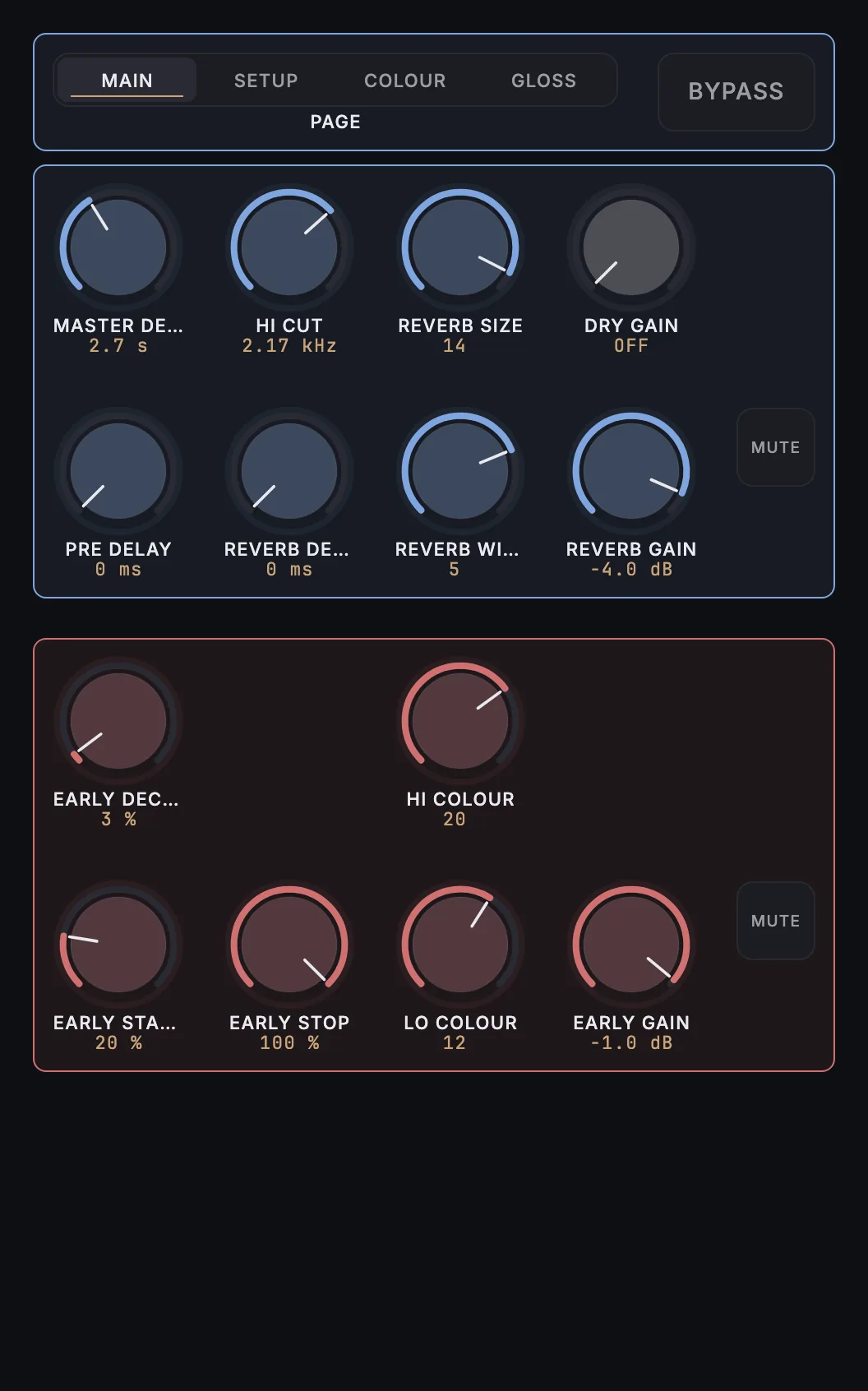
MixSurface opens TC Electronic VSS4 HD on iPad, iPhone and Android with a ready-made layout, controlled from REAPER.
What is on it
30 knobs, 3 buttons, 4 menus, 1 switch.
- Bypass All
- Master Decay
- Hi Cut
- Reverb Size
- Dry Gain
- Pre Delay
- Reverb Delay
- Reverb Width
- Reverb Gain
- Reverb Mute
- Early Decrease
- Hi Colour
- Early Start
- Early Stop
- Lo Colour
- Early Gain
- Early Mute
- Location Type
- Source 1
- Source 2
- In Gain
- Out Gain
- Lo Cut
- Lo Dampen
- Hi Soften
- Lo Decay
- LoMid Decay
- HiMid Decay
- Hi Decay
- Lo Xover
- Mid Xover
- Hi Xover
- Reverb Type
- Reverb Diffuse
- Modulation Type
- Mod. Rate
- Mod. Depth
How it works
- Install the free MixSurface extension in REAPER and connect your device (setup).
- Add TC Electronic VSS4 HD to a track in REAPER.
- Open the track's FX in Channel Detail: the view appears on its own.
What it needs
Plugin layouts, EQ curves and dynamics curves need the one-time MixSurface unlock. The Mixer and the rest of the free app work without it. See the price.
Questions
Can I control TC Electronic VSS4 HD from an iPad in REAPER?
Yes. MixSurface opens TC Electronic VSS4 HD on iPad, iPhone and Android with a ready-made layout, controlled from REAPER.
Is it free?
Plugin layouts, EQ curves and dynamics curves need the one-time MixSurface unlock. The Mixer and the rest of the free app work without it.
Build your own layout
Want a different arrangement? Change this one or build your own layout for any plugin. Not the plugin you were after? Browse the library or request another plugin.