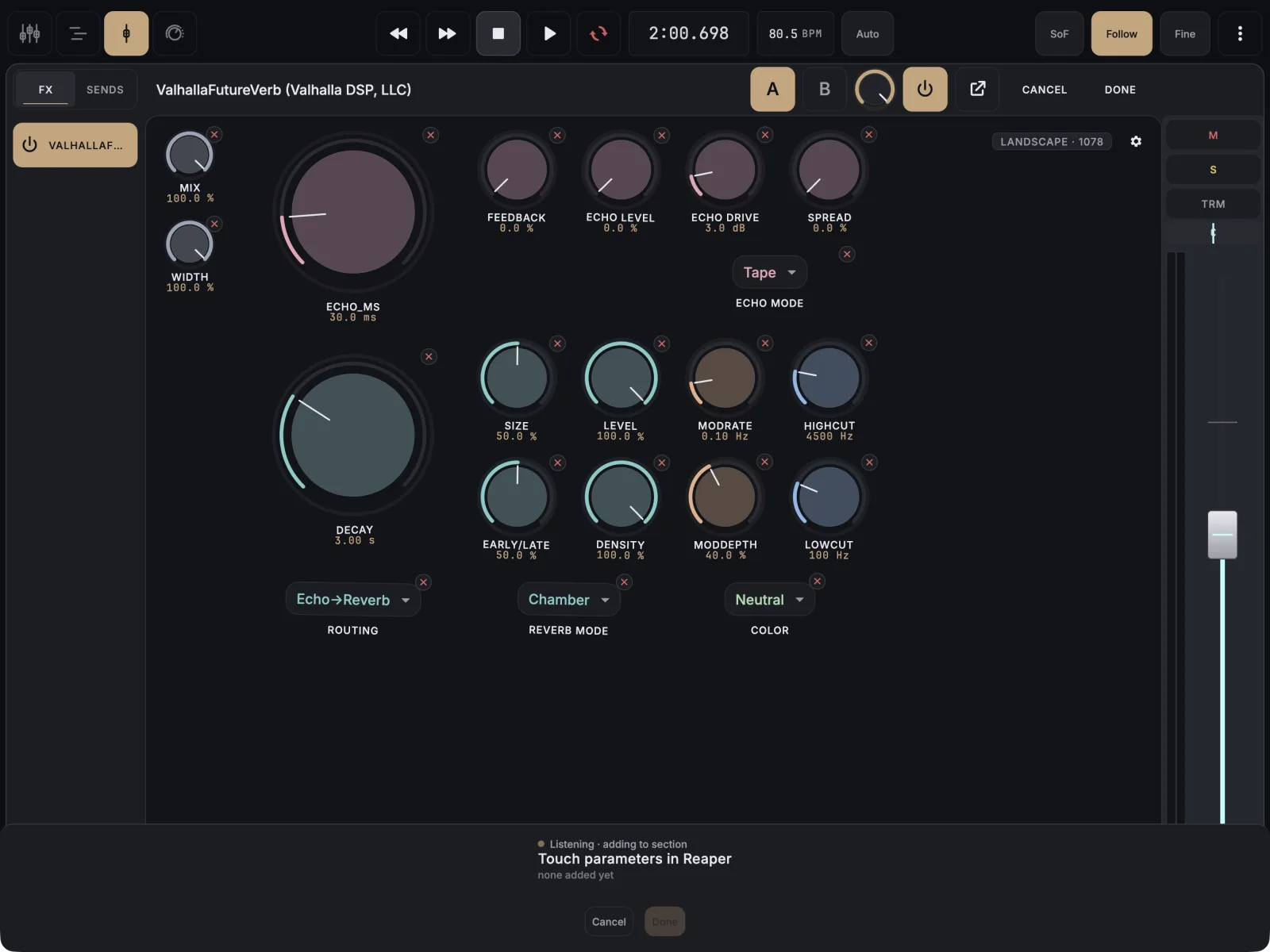
MixSurface’s learn mode is called listen. It only takes a touch on the plugin instance the page belongs to, and only while the listen sheet is open. If nothing arrives, check that you touched the right plugin, that the project is saved when you add to a project page, and that the app and extension are current.
- Start listening: in edit mode, tap an empty spot on the page and choose From listen. The sheet asks you to touch a parameter in REAPER.
- In REAPER, move the control in that plugin’s own window with the mouse.
- Watch the sheet. It shows Listening while it waits and Got it when a touch lands.
- If you are adding to a page that belongs to this project, save the REAPER project first. A project page is stored in the project’s folder, and an unsaved project has none yet.
- Still nothing? Close the sheet with Cancel, reconnect, and start listening again.
Why this happens
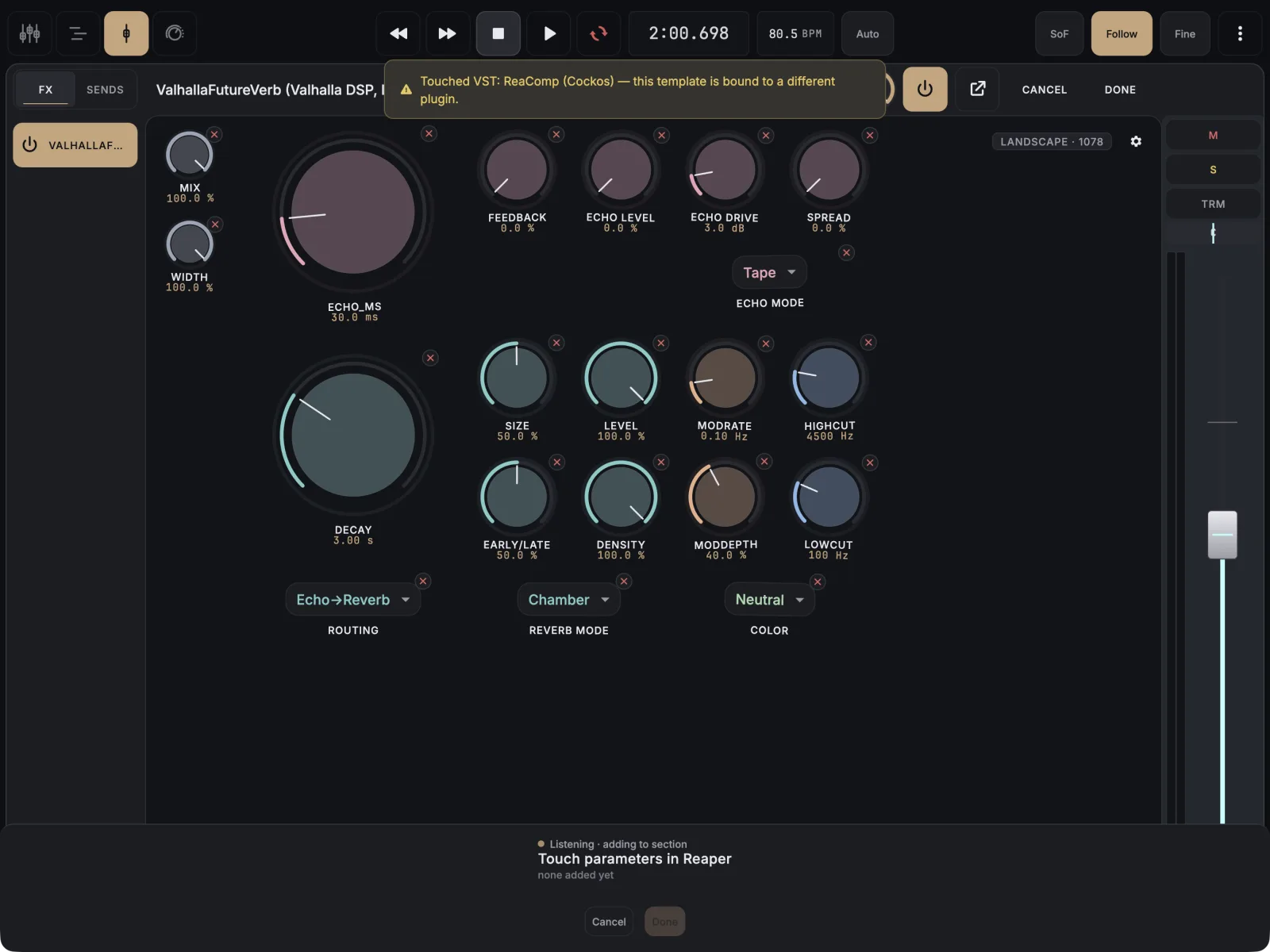
- You touched a different plugin. A plugin template only accepts touches on its own plugin. The app says “Touched” and the plugin’s name, followed by a note that the template is bound to a different plugin.
- The parameter is already on the page. The app tells you which control already holds it instead of adding a second one.
- You ran an action on a plugin page. Actions can only be added to a Control View page.
- An older build. Before app build 13, listen mode could stop working after the app had been in the background or the connection had dropped, while the sheet still looked live. Update the app and the extension.